
How Customers Find Local Businesses on Google — and How to Show Up
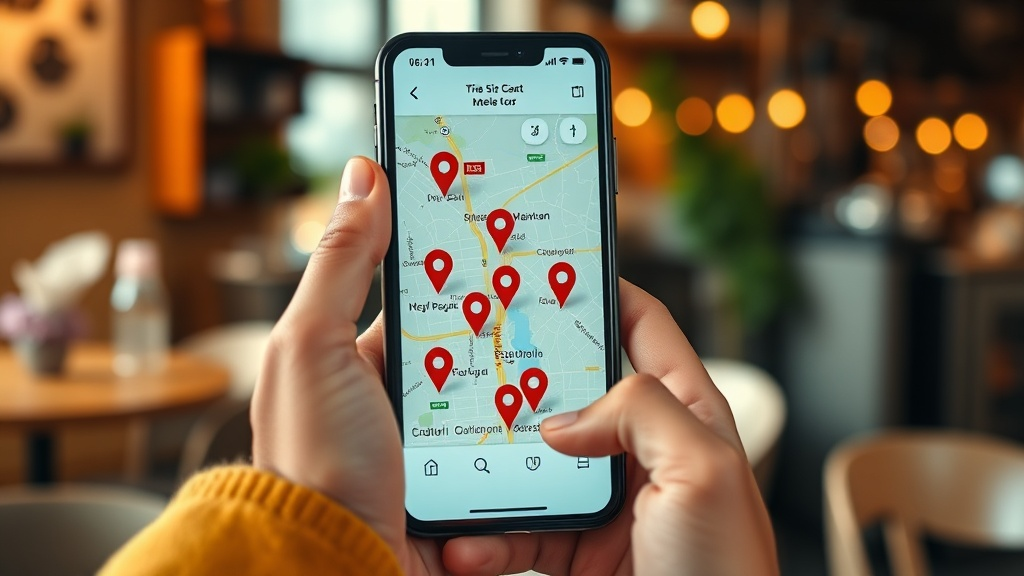
Most customers today start the same way: they open Google and type something like "salon near me", "best dentist in [area]" or "AC repair [pincode]". In the next ten seconds, they decide who to call. If your business isn't showing up — or shows up looking half-finished — you lose that customer before you ever knew they existed.
The good news: showing up on Google isn't luck or magic. It comes down to a few things you can actually control. Here's how it works, in plain language.
The three places you can appear
When someone searches for a local business, Google usually shows three kinds of results:
- The map pack — the little map with 3 businesses at the top. This is prime real estate for local searches.
- The listings below it — more businesses, blending Maps profiles and websites.
- Regular website results — pages that answer the search, including business websites and blogs.
To win local customers, you want to appear in as many of these as possible — and look trustworthy when you do.
Step 1: Claim and complete your Google Business Profile
Your Google Business Profile (the Maps listing) is the single most important thing for local search. If you haven't claimed it, do that first — it's free.
Then complete everything:
- Correct name, address, phone and accurate opening hours
- The right business category (and secondary categories)
- Real photos of your shop, work and team
- Your services listed out
- A link to your website
A complete profile with a website attached consistently outperforms a bare one.
Step 2: Get (and respond to) reviews
Reviews are one of the strongest local ranking signals — and the strongest trust signal for the customer reading them.
- Ask happy customers to leave a Google review. A simple "agar aapko accha laga, ek Google review kar dijiye" after good service works.
- Reply to reviews — even a short thank-you. It shows you're active and cared-about.
If you already have 50+ reviews, you're ahead of most local competitors. Make that count.
Step 3: Have a website that backs it up
Here's what many owners miss: your Google listing and your website work together.
- A website gives Google more to understand about you (your services, area, offerings) — which helps you rank.
- It gives the customer somewhere to land that looks professional and lets them book or call instantly.
- It lets you show up in the regular results too, not just the map — doubling your chances of being found.
The site doesn't need to be huge. It needs your services, area, timings, a few photos, reviews, and a clear "Call" or "Book" button — and it needs to load fast on a phone, because that's where your customers are.
Step 4: Be consistent everywhere
Google trusts businesses whose details match across the web. Keep your name, address and phone number identical on your Google Profile, your website, Instagram, Justdial and anywhere else you're listed. Small mismatches quietly hurt you.
Step 5: Make the mobile experience effortless
Almost every local search happens on a phone. If a customer taps your result and the page is slow, hard to read, or missing a call button, they bounce back to a competitor. Fast, mobile-first, one-tap-to-call — that's what turns a search into a customer.
Putting it together
Showing up on Google isn't one big thing — it's a few small things done consistently: a complete Google profile, steady reviews, and a fast website that ties it all together and gives customers a reason (and a way) to reach you.
Most local businesses do the first two and skip the third — which is exactly the gap you can close.
Want the website part done for you? apna.live builds a mobile-first, Google-friendly website for your business — with your reviews and a booking button built in — in minutes. See a free preview before you decide.
See your free website